MuchSearchGuides & playbooks
Developer Productivity: Search GitHub, Stack Overflow, and MDN Together
A debugging and API-learning workflow that puts GitHub, Stack Overflow, MDN, npm and an AI assistant on the same query — so you stop guessing which site has the answer.

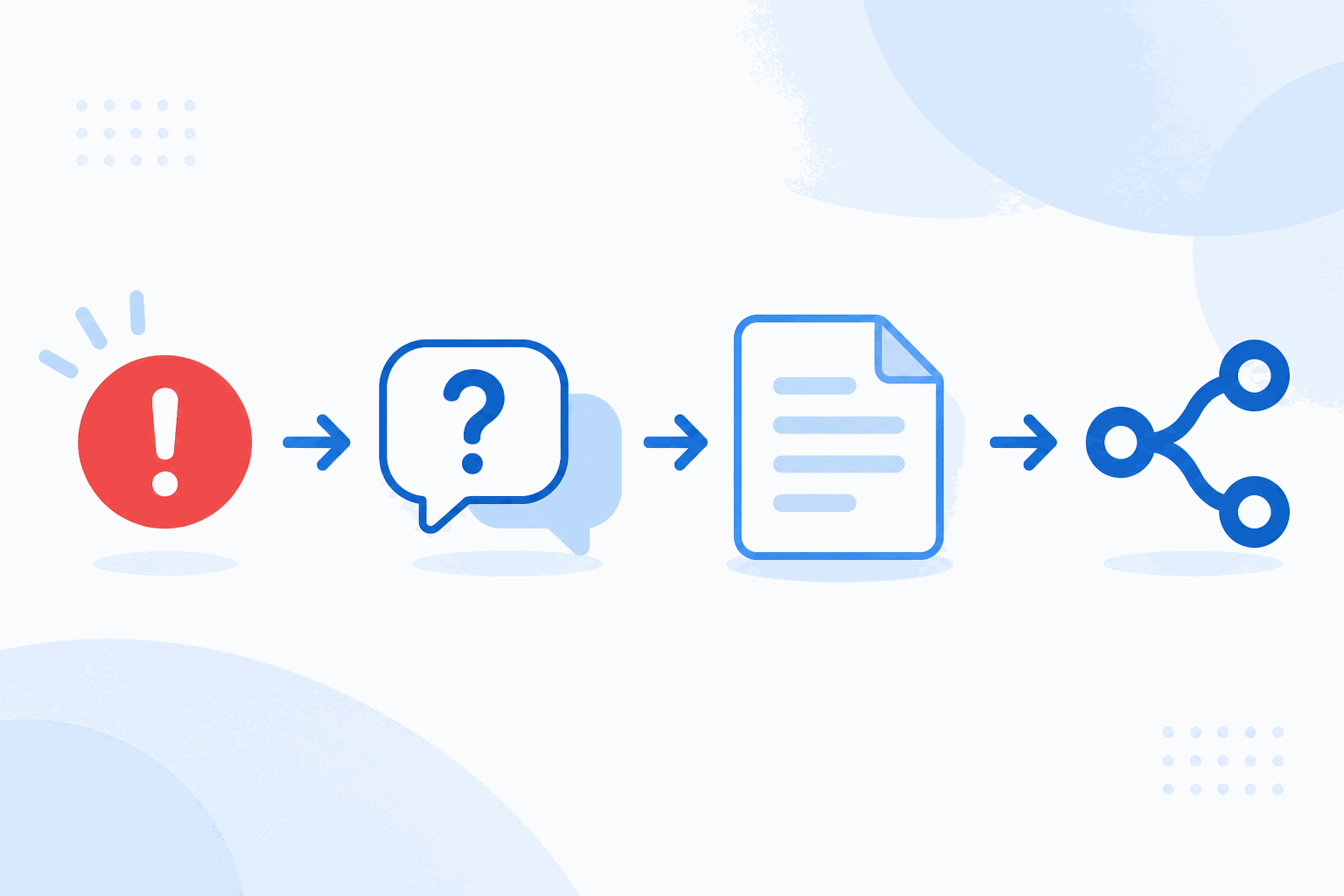
The average fix for a stubborn bug involves four sites: the error message on Stack Overflow, the API signature in MDN, a working implementation on GitHub, and a package version on npm. Doing that linearly — search, read, back, search, read — is why “quick fixes” take ninety minutes.
Developers have a structural advantage here: almost every technical site accepts a query in the URL. That means one page can fire the same error message at all of them at once. Here is the workflow.
The order that saves the most time
- Search the error text verbatim. Quotes around the message. Stack Overflow first, then GitHub issues. Error strings are the highest-signal queries in software.
- Check the docs for the exact version. MDN for web platform APIs, the library’s own docs for everything else. Version matters more than prose quality.
- Find a working example. GitHub code search with
language:andpath:qualifiers. A real repository beats a snippet in a blog post. - Confirm the package situation. npm or PyPI: last publish date, open issues, download trend. An unmaintained dependency is a bug you inherit.
- Only then ask an AI. With the error, the version and the relevant config pasted in — not “why does my build fail”.
Which site answers which question
| Question | Site | Why not the others |
|---|---|---|
| “Why does this exception happen?” | Stack Overflow | Docs describe intent, not failure modes |
| “What are the exact arguments?” | MDN / official docs | SO answers go stale across versions |
| “How is this used in real code?” | GitHub code search | Docs show minimal examples, not production patterns |
| “Is this package maintained?” | npm / PyPI + repo activity | Popularity stats hide abandonment |
| “Is this a known bug?” | GitHub issues | SO threads close; issues stay current |
| “Explain this concept fast” | Phind / ChatGPT | Indexes are worse at synthesis |
Queries that actually work
Error messages: strip your variable names and paths, keep the framework’s wording. "Cannot read properties of undefined (reading 'map')" next.js server component finds the thread; pasting your whole stack trace finds nothing.
GitHub code search: repo:vercel/next.js path:packages/next/src/server "cache-control". Two qualifiers plus an exact phrase beats any natural-language query.
Docs: search the API name, not the task. AbortSignal.timeout lands; “how to cancel fetch after timeout” returns six blog posts of varying accuracy.
Stack Overflow: add the version tag, then sort by “Newest” before “Votes”. The 2015 answer with 900 upvotes is frequently wrong for the current major version — a pattern that has become worse, not better, as release cadence increased.
A real debugging session
The symptom: a Next.js route handler returns 500 only in production, with DYNAMIC_SERVER_USAGE in the log.
Step one, verbatim error on Stack Overflow: three threads, one of which explains that reading cookies() inside a cached function triggers it. That is the mechanism, but the answer is two majors old.
Step two, GitHub issues on the framework repo: the issue is open, and a maintainer’s comment states the current rule and links the docs. This is the authoritative answer, and it exists nowhere else.
Step three, MDN for the underlying API behaviour: confirms that the request-scoped store is not available at build time, which explains why it only fails in production.
Step four, ChatGPT with all three findings pasted in: asks it to propose two fixes and their trade-offs. It suggests marking the route dynamic or moving the read into a client component — both real options, both verifiable against the docs you already opened.
Total time: eleven minutes. The linear version of this — searching one site, reading, going back — typically takes half an hour, and often ends with a Stack Overflow answer that no longer applies.
Reading a Stack Overflow thread in thirty seconds
Long threads are mostly noise if you read them in the wrong order. The efficient sequence:
- Check the question date and the accepted answer date. A 2015 answer accepted in 2015 tells you what the library did then.
- Read the top comment on the accepted answer. Corrections and version warnings live there, and they are frequently more current than the answer body.
- Scroll to the highest-voted answer that is newer than the last major release. That is usually the answer that actually works today.
- Look for a maintainer’s reply. If someone from the project answered, that outranks every vote count.
Then copy the reasoning, not the code. The code was written for someone else’s constraints.
Four habits that compound
- Keep a snippets file of queries, not answers. Queries stay useful across versions; answers do not.
- Read the comments on accepted answers. The correction usually lives there, three replies down.
- Check the “last updated” date before trusting anything. Applies to docs, blog posts and AI answers equally.
- Copy the pattern, not the code. A GitHub implementation shows intent and constraints; pasting it into your codebase imports assumptions you did not read.
Where AI genuinely helps developers
Not autocomplete — explanation and translation. Ask it to explain what a library’s error actually means, to convert a Python snippet to TypeScript, or to list the three most likely causes of a symptom so you can rank your searches. Then verify each claim against the docs, which is two clicks away on the developer channel.
If you want the general decision framework for AI versus index search, read AI search vs traditional search. For the mechanics of fanning one query across several sites, see one query, several engines.
Frequently asked questions
Is it worth searching Stack Overflow in 2027?
Yes, with a caveat: for anything older than about two years, check the answer date and version comments. Libraries change faster than accepted answers. Pair it with GitHub issues, which track the current state of the code.
Should I use AI before or after reading the docs?
After. Ask AI to explain once you have the official signature in front of you; then the answer is checkable. AI first is faster but you cannot tell a hallucinated option from a real one.
How do I search code on GitHub effectively?
Use code search with qualifiers: language:typescript, path:src/api, and exact phrases in quotes. Searching repositories finds projects; searching code finds the actual implementation you can copy the pattern from.