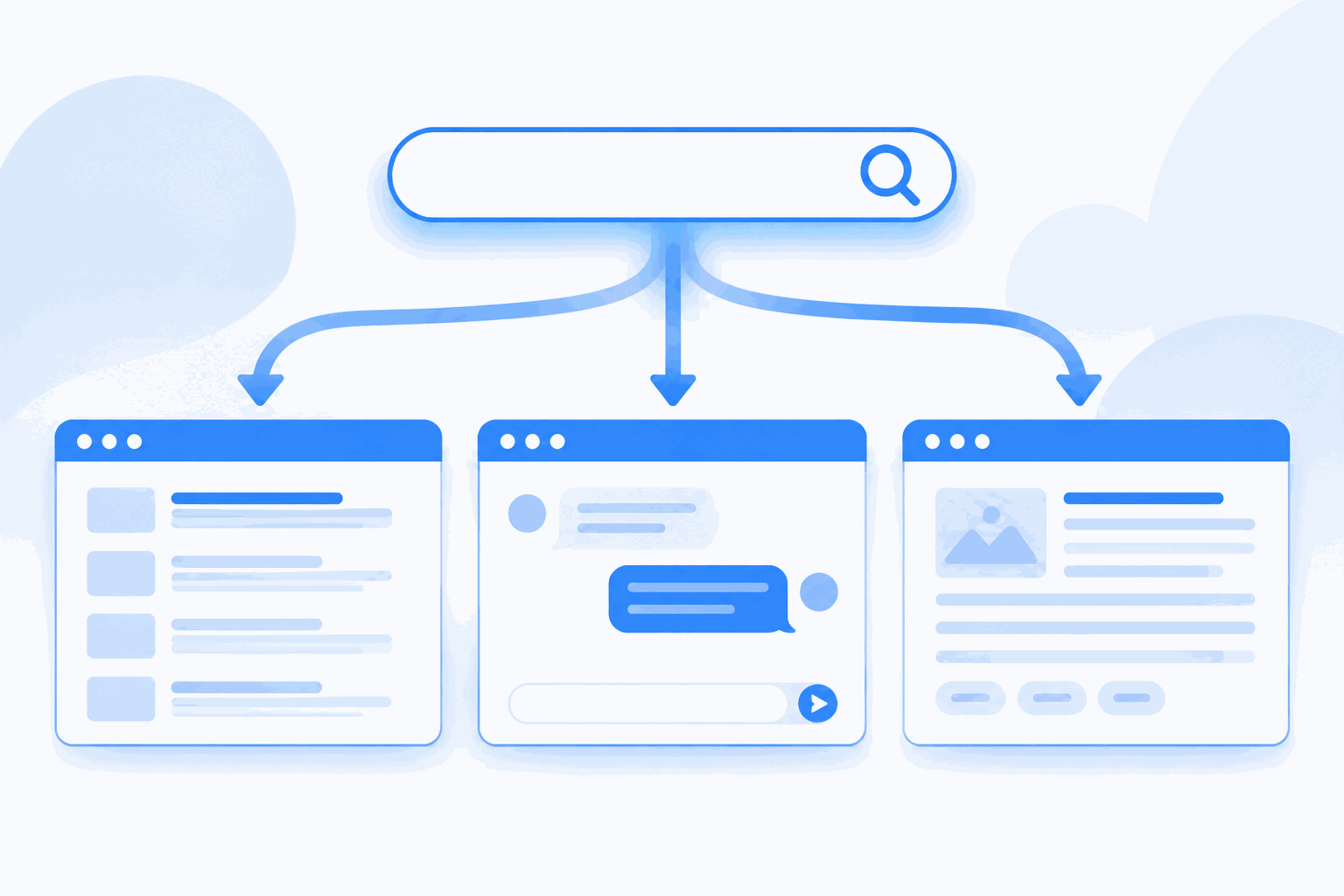
How MuchSearch works
- Type once: enter keywords in any card — all other cards on the page sync instantly.
- Pick a source: click the Go button on the site you want. The query is passed straight to that site's own search URL in a new tab.
- Compare: switch sources without retyping. Use channel pages (like AI Chat & Search) for a per-category view.
Which engine should you use?
| Goal | Try first |
|---|
| General web search with the widest index | Google, then Bing or DuckDuckGo for a second opinion |
| AI answers with cited sources | Perplexity, ChatGPT, Copilot |
| Find prompts for AI image or chat tools | PromptHero, Lexica, Civitai |
| Buy something / compare prices | Amazon, eBay, Google Shopping |
| Free photos for a project | Unsplash, Pexels, Pixabay |
| Fix a bug or learn an API | Stack Overflow, MDN, GitHub |
| Research papers and preprints | Google Scholar, arXiv, PubMed |
| Fact-check a news story | Reuters, AP News, BBC |
FAQ
What is a multi-search aggregator?
A multi-search (meta-search) aggregator collects the search entry points of many independent sites on one page and passes your keywords to each of them. MuchSearch focuses on query passing: you type once and each site receives your keywords in its own search box.
Why search multiple sites at once?
Each site indexes and answers differently — Google's web index, ChatGPT's AI answers and Amazon's product catalog do not overlap. Comparing two or three sources side by side gets better answers faster than re-searching one site.
Does MuchSearch track me?
No accounts, no third-party trackers. Search keywords are logged anonymously (keyword, source, timestamp) to compute popular searches; queries are sanitized and length-capped before leaving this site.
Is MuchSearch free?
Yes. All 99+ search cards and every channel page are free, with no sign-up required.
 MuchSearchOne input, every site
 Comparisons