MuchSearchGuides & playbooks
Free Stock Photo Search: Unsplash, Pexels, and Pixabay in One Click
Find a usable hero image in five minutes: search Unsplash, Pexels, Pixabay and Openverse in parallel, understand the licenses, and avoid the stock-photo look everyone recognises.
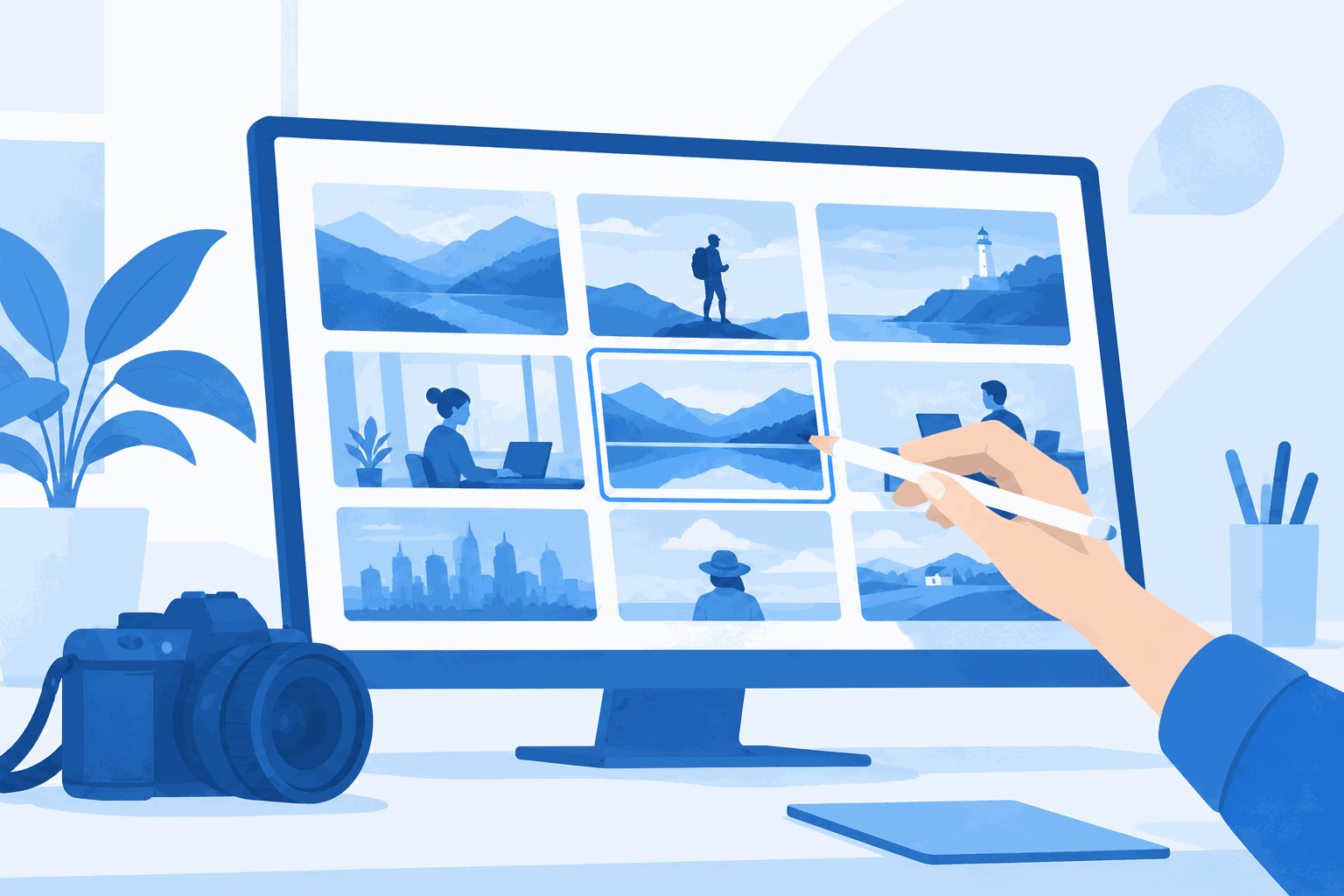
Every article, landing page and slide deck needs one image that does not look like it came from a 2012 corporate template. There are four good free libraries and no reason to check them one at a time.
Five minutes, three tabs, one license check. That is the whole routine.
The four libraries, briefly
| Library | Strength | License | Attribution |
|---|---|---|---|
| Unsplash | Editorial, natural light, lifestyle | Unsplash License | Not required (appreciated) |
| Pexels | People at work, video clips too | Pexels License | Not required |
| Pixabay | Vectors, illustrations, wider subject range | Pixabay Content License | Not required |
| Openverse | Aggregates CC-licensed media from many sources | Varies per item | Usually required — check per item |
All three of the big libraries forbid selling unmodified copies and using images to imply endorsement. That is the part people miss — the license is generous about use and strict about resale and implied endorsement.

The five-minute routine
- Open the stock photo channel. MuchSearch Stock Photos has Unsplash, Pexels, Pixabay, Freepik, Openverse, StockSnap and Wikimedia Commons side by side.
- Write a scene, not a noun. “woman working laptop cafe natural light” beats “business”. Stock search rewards specificity; a two-word query returns the same stock look you are trying to avoid.
- Search two libraries, not four. Unsplash for mood, Pexels for people-at-work. Add Pixabay when you need an illustration rather than a photo.
- Filter by orientation before scrolling. Hero images are landscape; a vertical shot cropped to 1200×630 loses its subject.
- Open the image page, not the download. The page tells you the photographer and any restriction; the download tells you nothing.
How to avoid the stock-photo look
Search for light, not for concepts. “Window light desk” returns images that feel documentary. “Success” returns a man pointing at a whiteboard.
Prefer imperfect framing. Slightly off-centre, hands partially cropped, real clutter in the background. Corporate libraries are full of immaculate desks; audiences read immaculate as fake.
Avoid the laughing-meeting photo unless your article is about laughing meetings. It is the most recognisable cliché in the library.
Check the dominant colour against your brand. A warm-toned photo in a blue-branded page reads as an accident. Unsplash’s colour filter is crude but saves a pass.
Look at the licence line, then the face. If a person is identifiable and your use is commercial-advertising rather than editorial, you need a release you probably do not have.
Sizing and cropping for each placement
Finding the photo is half the job; the other half is that the same file has to work in four different boxes. A practical checklist:
| Placement | Ratio | Suggested size | Cropping note |
|---|---|---|---|
| OG / social share | 1.91:1 | 1200×630 | Keep the subject centred; platforms crop the edges |
| Blog hero | 3:2 to 16:9 | 1600×900 | Leave headroom for a title overlay if needed |
| Card thumbnail | 16:9 | 800×450 | Faces at the top third survive most crops |
| Inline figure | Natural | 1200 wide max | Do not upscale; a soft image reads as sloppy |
Export at 2× for retina where the file budget allows, then let the browser downscale. And run everything through a compressor — a 4MB hero image is a Core Web Vitals problem you can fix in one click.
Credits and good manners
Attribution is not legally required by Unsplash, Pexels or Pixabay — but it costs one line and buys goodwill in a community that gives work away. A standard credit looks like: Photo by Name on Unsplash, linked to the photographer’s page.
Never re-upload a library photo to another stock site, never claim it as your own, and never use it as the core product being sold. Those three rules cover most of what the licenses actually prohibit.
Using images well on a page
- Describe the image in the alt text, not the keyword. “Barista pouring latte art in a small cafe” — not “free stock photo coffee”.
- Compress before upload. A 4MB hero image is a Core Web Vitals problem; 200–300KB at 1600px wide is enough for most layouts.
- Set width and height attributes so the layout does not jump while loading.
- Use one image per idea. Three decorative photos in a 900-word article dilute rather than decorate.
Need a prompt rather than a photograph? The AI prompt channel searches PromptHero, Lexica and Civitai for image prompts you can reuse and adapt. For the general multi-search pattern, see one query across several engines.
Frequently asked questions
Are Unsplash, Pexels and Pixabay images really free to use commercially?
Yes, under their own licenses — no attribution required, commercial use allowed. The limits are about what you may do with the photo itself: you cannot sell unmodified copies, and you cannot imply the photographer or the people in the photo endorse your product.
Do I need a model release for a photo of a person?
For editorial or illustrative use, usually not. For advertising that implies endorsement, yes — and free libraries rarely provide releases. When the person is identifiable and the use is commercial, pick a photo without a face or use a paid library with releases.
Which library has the best search?
Pexels and Unsplash handle natural-language queries well; Pixabay is broader and includes vectors and illustrations; Openverse aggregates openly licensed media across sources. Searching two of them is usually enough.