MuchSearchGuides & playbooks
How Researchers Search Scholar, arXiv, and PubMed at Once
A literature review workflow that covers Google Scholar, arXiv, PubMed and Semantic Scholar in one pass — query construction, deduplication, snowballing and citation tracking, without retyping a single term.

A literature review in 2027 has a specific failure mode: you search one database, get 200 hits, read 30, and later discover the key paper was indexed somewhere else under a different term. The fix is not more reading. It is running the same query across the databases that index differently — and doing it before you start filtering.
This guide is the concrete version of that: one query, four databases, one deduplication pass, then snowballing. Budget two hours for the first pass.
Before you type anything
Write down three things. They will not change during the session, and they stop the drift that turns a review into a browsing habit.
- The question, as a PICO or similar structure. Population, Intervention, Comparison, Outcome — or for engineering, “method / task / dataset / metric”.
- Two synonym groups. The vocabulary in your field is not the vocabulary in the index. “Federated learning” vs “collaborative learning”; “LLM” vs “large language model”.
- The inclusion rule. “Peer-reviewed since 2015, English, empirical results” is a rule. “Relevant” is not.
Then build one query string you will reuse everywhere:
("federated learning" OR "collaborative training") AND (privacy OR "differential privacy") AND (healthcare OR clinical)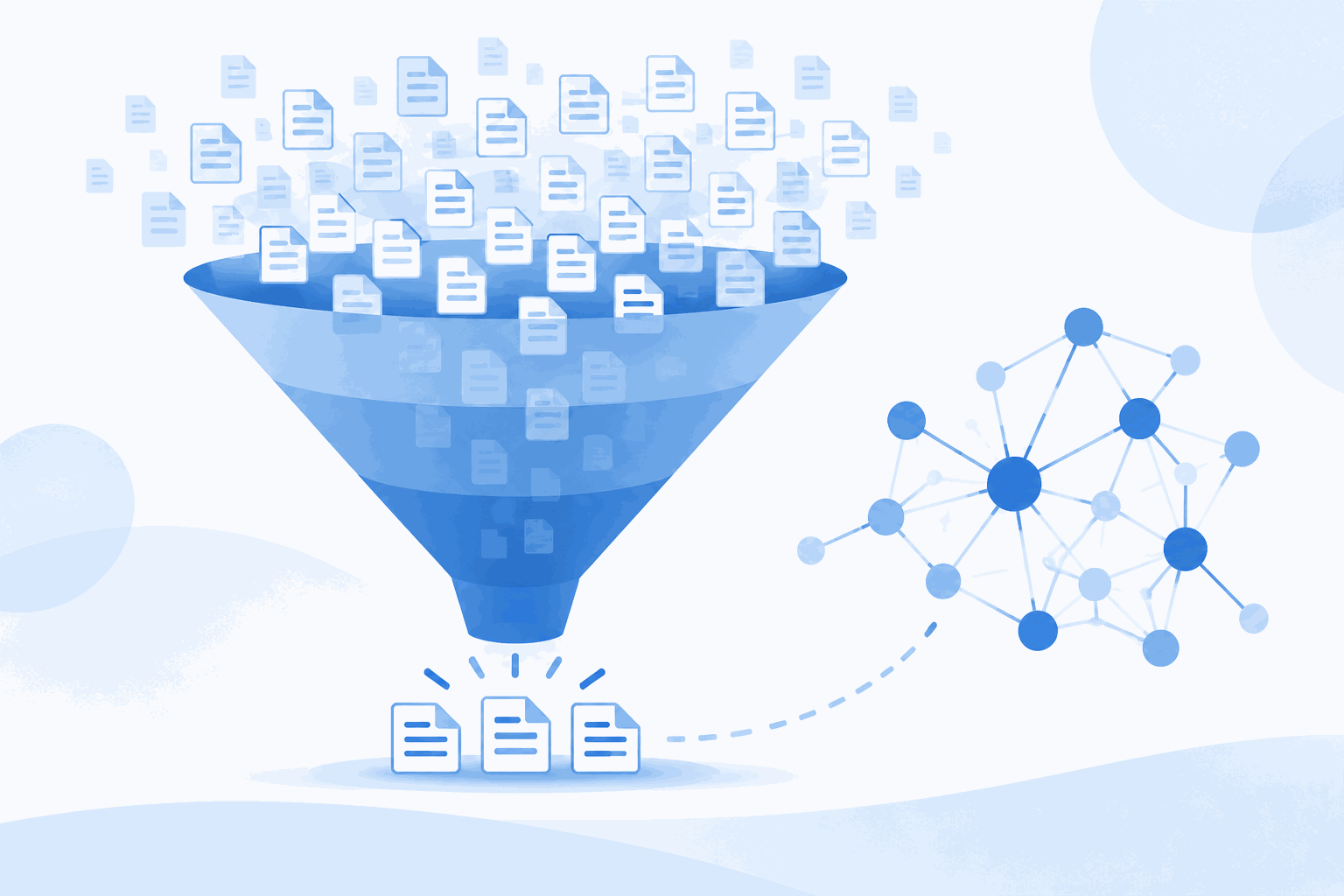
The four databases and what each one is for
| Database | Strength | Blind spot | Use it for |
|---|---|---|---|
| Google Scholar | Broadest cross-discipline coverage, citation counts | Opaque relevance, duplicates, no reliable export for large sets | First sweep and citation chasing |
| arXiv | Immediate access to preprints in CS, physics, math, bio | Not peer-reviewed, version churn | Newest work, method details, code-linked papers |
| PubMed / MEDLINE | Curated MeSH indexing, biomedical gold standard | Biomedicine only; clinical-trial bias | Health and life-science questions |
| Semantic Scholar | Citation context, influence graphs, TLDR summaries | Smaller than Scholar for older papers | Understanding why a paper matters, finding citations |
The two-hour workflow
- Open the academic channel. Go to MuchSearch Academic. Scholar, Semantic Scholar, arXiv, PubMed, CORE, WorldCat and Open Library are all on one page with a search box each.
- Type the query once. Every card syncs, so you can paste your boolean string into Scholar and a plain-language version into Semantic Scholar without retyping.
- Fire Scholar and arXiv together. Sort Scholar by relevance, arXiv by announcement date. Two tabs, two different views of “current”.
- Screen titles and abstracts only. Yes / no / maybe. Do not open PDFs yet — opening a PDF is how a 20-minute screen becomes a three-hour detour.
- Export what survives. Scholar has no bulk export; use the “cite” dialog per paper, or install a browser exporter. arXiv and PubMed export cleanly as RIS/BibTeX.
- Dedupe in Zotero by DOI. Duplicates → merge. Records without DOIs → sort by title and eyeball.
- Snowball once in each direction. For your three most central papers, pull both references (backward) and citing papers (forward). Semantic Scholar’s citation graph makes this a two-click job.
Query tricks that work across all four
Use quotes for phrases, and expect inconsistency. Scholar and PubMed honour quoted phrases; arXiv is looser. When a phrase matters, add it to the title-field search (ti:"differential privacy" in arXiv).
Author search is the fastest shortcut. Once you find the two or three people who own your niche, search them by name in each database and sort by year. Their recent work is your reading list, and their citations are your map.
PubMed wants MeSH terms. Free-text search returns noise; the MeSH tree gives you the controlled vocabulary. Look at a known relevant paper and copy its MeSH terms into your query — a five-minute trick that beats hours of phrase tuning.
Sort arXiv by date, not relevance. The whole point of arXiv is that it is ahead of the journals. Relevance sorting gives you the 2019 classics you already know.
Screening for quality, quickly
- Check the venue, not the citation count. A 400-citation paper in a predatory journal is still a bad source.
- Look for a limitations section. Papers without one are usually blog posts with a DOI.
- Prefer papers that release code or data. Reproducibility is the cheapest quality signal available.
- Check the preprint-to-published delta. If you cite an arXiv version, note the version number — numbers often change between v1 and the journal version.
Recording citations without pain
Use one reference manager from day one. Zotero is free and handles the four databases above; the browser connector saves a paper in one click with metadata attached. Add a tag per claim you might make (“supports X”, “contradicts Y”) rather than per topic — when you write, the tags become your citation pool.
Keep a plain-text file of the exact query strings you ran, with dates. Reviewers ask, and future-you will not remember whether “privacy” was in the boolean or only in your head.
Two tools worth knowing before you start
The workflow above depends on two things that are free and take ten minutes to set up.
A reference manager with a browser connector. Zotero is the default recommendation: it captures metadata from Scholar, arXiv, PubMed and most publisher pages in one click, deduplicates by DOI, and exports to any citation style. Without it, the export step of the four-database workflow becomes manual data entry, and manual data entry is where systematic reviews quietly lose papers.
A plain-text search log. One file, one line per query: date, database, query string, number of hits. When a reviewer asks why you excluded a branch of the literature, the answer is in that file. It also stops you from re-running the same search three weeks later and getting different numbers, wondering whether the tool changed.
Three mistakes that waste a week
Searching only one discipline’s database. A privacy-preserving ML paper may live in CS venues, a health-informatics journal and a policy working-paper series. Only Scholar and Semantic Scholar cross those boundaries.
Filtering by date too early. You will exclude the foundational paper that defines the term you are searching for. Filter after the first screen, not before.
Trusting an AI summary of a paper you have not opened. Ask an AI to summarize only after you have the PDF. A model summarizing an abstract it hallucinated is how literature reviews get retracted.
If you want the general pattern for combining AI and index search, the AI vs traditional search guide covers it; for the mechanics of running many engines at once, see one query, several engines.
Frequently asked questions
Why search four academic sites instead of just Google Scholar?
Scholar covers a lot but indexes unevenly and hides some publisher content. arXiv is the primary source for preprints in physics, math and CS; PubMed/MEDLINE is curated for biomedicine; Semantic Scholar adds citation context and TLDRs. Coverage differs enough that one search is not enough.
How do I avoid duplicates across databases?
Export each result set as RIS or BibTeX into a reference manager (Zotero, EndNote, Paperpile) and let it merge by DOI. Records without a DOI need a manual title check — export titles, sort, and compare.
Does searching arXiv first bias my review toward CS?
Yes, if arXiv is your only entry point. Do the systematic search in the discipline’s curated database first (PubMed for biomedicine, Scopus/Web of Science for general), then use arXiv to catch preprints that are too new to be indexed.