MuchSearchGuides & playbooks
What Is a Multi-Search Aggregator? (And Why You Need One in 2027)
A multi-search aggregator puts many independent search engines on one page and passes your keywords to whichever one you pick. Here is how the idea evolved from Dogpile to AI-era search — and what it is not.
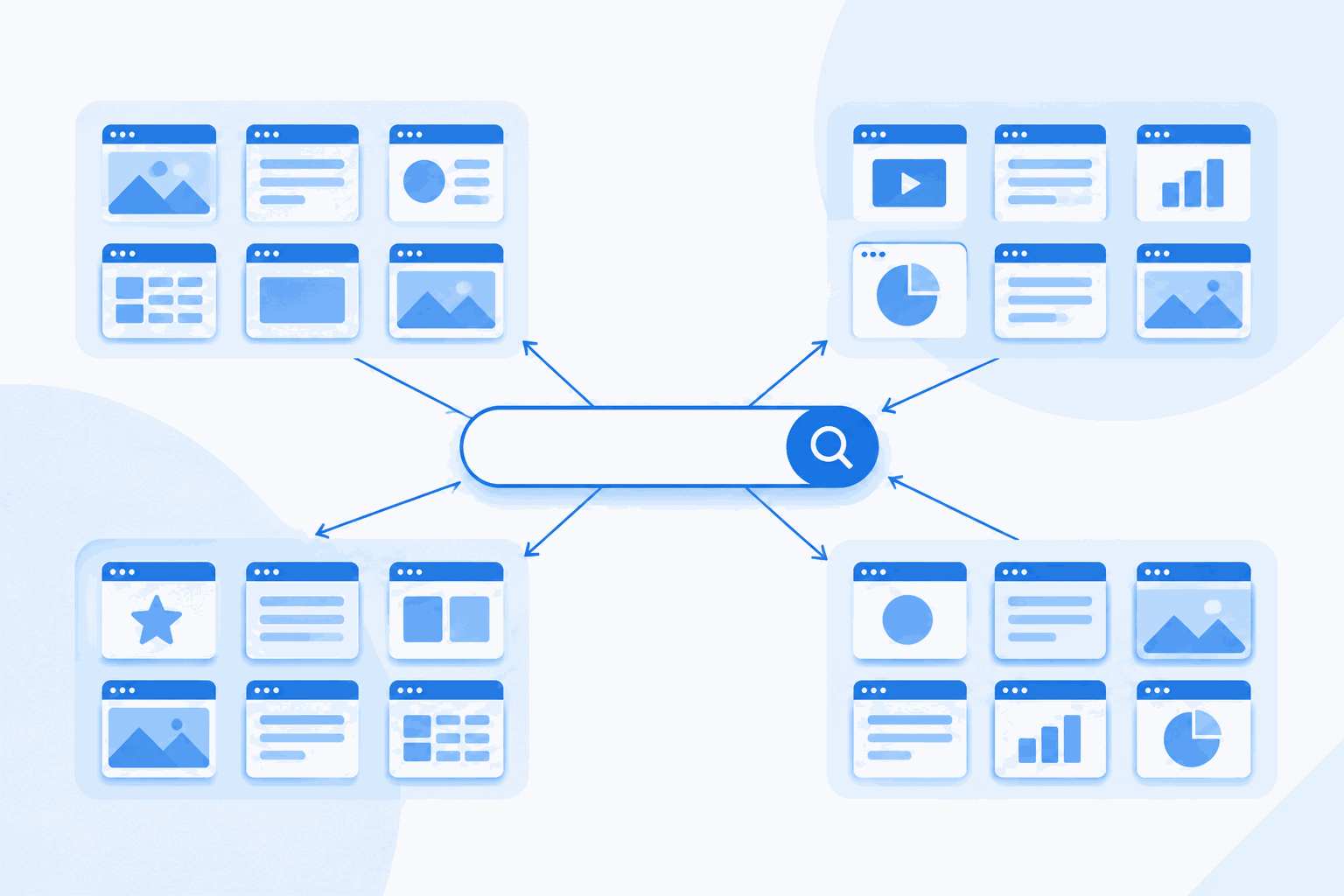
“Multi-search aggregator” sounds like marketing jargon for “bookmarks page”. It is not, and the difference matters if you search for a living.
The short definition: a multi-search aggregator is a page or service that holds the search entry points of many independent sites in one place and passes your query to the site you choose. You type once; the tool does the retyping, the tab-opening and — increasingly — the comparison.
A thirty-second history
The idea is older than social media. In the late 1990s, meta search engines like MetaCrawler and Dogpile sent one query to several web indexes and stitched the results into a single list. For a few years that was genuinely better than using one engine, because no single index covered the web.
Then Google’s index got good enough that merging results stopped adding value, and the category faded. What survived was a smaller idea: keep the entry points together, not the results. Start pages, browser keyword shortcuts and eventually custom search engines all inherited that.
By 2027 the problem has changed shape again. There is no longer one kind of search:
- Index search — Google, Bing, Brave, Mojeek: returns links to pages.
- Answer engines — Perplexity, You.com, Phind: return a written answer with citations.
- Conversational models — ChatGPT, Claude, Copilot, Grok: return reasoning you can interrogate.
- Vertical search — Amazon, GitHub, PubMed, Unsplash: each owns a domain the general engines index badly.
A modern aggregator has to cover all four. That is the difference between a 2005 bookmark page and a 2027 search workspace.

How query passing actually works
Every search site exposes a URL pattern. Type a search on Google and look at the address bar: google.com/search?q=your+keywords. That q parameter is the whole trick. YouTube calls it search_query, Amazon calls it k, eBay calls it _nkw — but the principle is identical.
An aggregator stores those patterns once, in a table like this:
| Site | Parameter | What happens on submit |
|---|---|---|
q | Opens the search results page with your keywords | |
| YouTube | search_query | Opens the video results grid |
| Amazon | k | Opens product results, filters intact |
| GitHub | q + type | Opens code or repository search |
| ChatGPT | q | Pre-fills the prompt box (then you hit send) |
When you submit a card on MuchSearch, the form goes to /go.php?s=google&q=your+keywords. The server checks that google is a key in its whitelist, cleans the keyword (control characters stripped, whitespace folded, 50-character cap), then issues a 302 redirect to the real Google URL. Two consequences worth knowing:
- It cannot be abused as an open redirect. Only whitelisted destinations are honoured, so nobody can craft a MuchSearch link that lands on a phishing page.
- Results are never proxied. You end up on the real site, logged in or not, with its own ranking, filters and cookie state. The aggregator never sees the results page.
Why bother, in five concrete cases
Research. A literature question needs Scholar, arXiv, PubMed and Semantic Scholar — four different indexes over overlapping corpora. One query, four tabs, dedupe once. See the academic workflow guide.
Purchasing. The same monitor is listed at four prices across Amazon, eBay, Walmart and Google Shopping, and the cheapest is not always the one with a return policy. The shopping guide walks through it.
Debugging. An error message wants Stack Overflow for the human answer, MDN for the spec and GitHub for real-world usage. See developer multi search.
Content production. Stock photos live across Unsplash, Pexels and Pixabay with different licenses. One query, three libraries, one license check. See free stock photo search.
Verification. When a claim matters, you want the same phrase run against Google News, Reuters, AP and BBC — not one engine’s idea of relevance.
Three things a multi-search aggregator is not
Not a scraper. It does not fetch, parse or re-rank results. It opens the source. That is also why it stays fast and why it does not break when Google changes its HTML.
Not a VPN or a privacy shield. Your request still goes to Google from your own browser, with your own cookies. Privacy comes from choosing private engines (DuckDuckGo, Startpage, Brave) and from the aggregator not profiling you.
Not a replacement for knowing what you want. The tool removes retyping, not thinking. A vague query sent to five engines returns five flavours of vague.
Picking the right sources for your job
The biggest mistake people make with an aggregator is treating all cards as interchangeable. They are not: each one is a different index with a different editorial stance, and matching the source to the job is most of the skill.
| Your job | Sources that earn their place | Skip |
|---|---|---|
| Write a market overview | Google, Bing, Perplexity, Reddit | Image and shopping cards |
| Find a supplier | Google, Alibaba, Google Maps, LinkedIn | AI chat (it will invent capabilities) |
| Learn a framework | MDN, GitHub, Stack Overflow, one AI | News, shopping |
| Check a rumour | Google News, Reuters, AP, BBC | Anything user-generated first |
| Design a slide | Unsplash, Pexels, Icons8 | Everything else |
Two of these are worth a habit. First: for supplier and vendor research, never rely on AI chat alone — models describe what a company says it does, not what customers report. Second: for design work, the image libraries are faster than generated images when you need something that already looks like reality.
How to judge one
- Coverage — does it include the vertical sites you actually use, or only the big three?
- Query fidelity — are keywords passed intact, including quotes and operators?
- Speed — a card that requires two clicks and a captcha is worse than a bookmark.
- Transparency — can you see the redirect target? Is there a whitelist, or does anything go?
- Business model — affiliate links are fine if disclosed; silent re-ranking is not.
MuchSearch is built to the first four and discloses the fifth: there are no affiliate redirects today, and if any are added they will be marked. The 2027 comparison puts it next to the alternatives, including the ones that beat it on specific jobs.
Frequently asked questions
Is a multi-search aggregator the same as a meta search engine?
They overlap. A classic meta search engine (Dogpile, MetaCrawler) queries several indexes at once and merges the results into one ranked list. A modern multi-search aggregator usually keeps the results separate and opens them on each source site, so you see each engine’s own ranking and UI.
Do multi-search tools store my searches?
It depends on the tool. MuchSearch passes the keyword through a validating redirect and logs only an anonymous keyword counter for popular-search stats — no accounts, no profiles.
Can I build my own multi-search page?
Yes. Most sites accept GET parameters (Google uses q, YouTube uses search_query, Amazon uses k), so a simple HTML form per site plus a redirect handler is enough. That is essentially how MuchSearch is built.